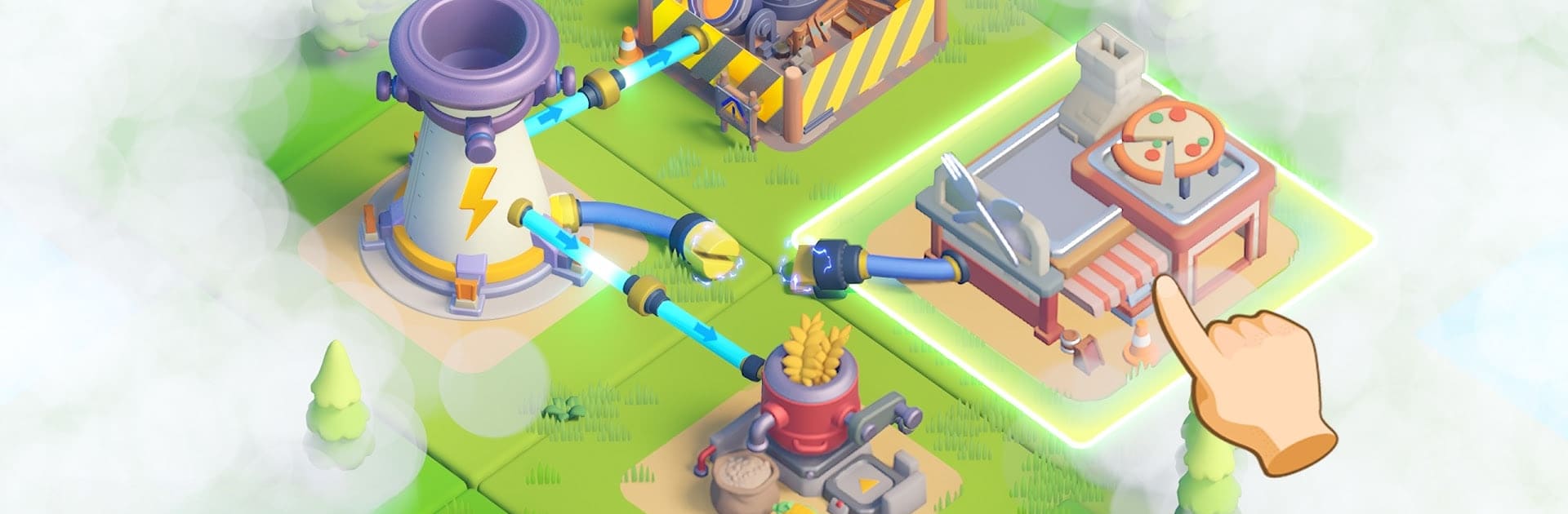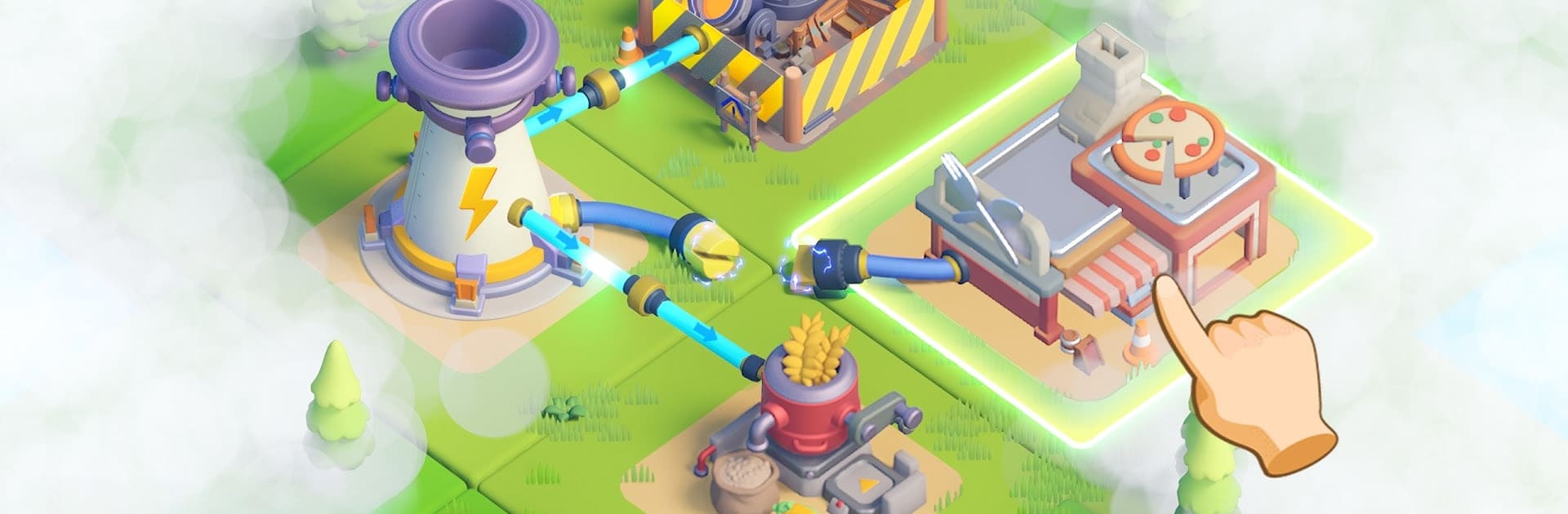
One more tile is tempting. A tile that brings power, production or a useful new building into your shelter is better. Tiles Survive! gives expansion a practical question: can the settlement support what you are adding? That mix of building, resources and survival is the reason to look at playing on a larger screen.
The official game channel advertises PC availability, but a complete PC CPU, GPU, RAM and storage table is not published in the sources we could verify. PC availability also does not, by itself, prove that every download uses a native Windows build. This guide helps you check the installation route without attaching invented emulator specifications to the game.
Discover whether shelter expansion, connected tiles and power management make Tiles Survive! your next building game.
Read Tiles Survive! Review: Is This Survival Strategy Game Worth Starting?
Can your PC run Tiles Survive!?

Select or paste your CPU and graphics model, then choose RAM. This checker organizes the next compatibility check; it cannot certify a PC against an unpublished or imprecise specification.
Press Ctrl + Shift + Esc and open the Performance tab in Task Manager to find your parts. If Windows lists two graphics devices, choose the one you will use for the game. No scan or software download is needed to use this checker.
Type or paste a model. Include graphics memory when variants differ.
Client confirmation required. Published evidence does not support an automatic hardware pass for this game. No frame-rate estimate is provided.
Enable JavaScript to get an estimate, or compare your PC with the specs below.
While the PC package needs checking, explore the shelter decisions that give the game its appeal.
Read Tiles Survive! Review: Is This Survival Strategy Game Worth Starting?
Tiles Survive! PC requirements explained
| Component | Minimum / verified position | Recommended / next check |
|---|---|---|
| PC availability | Advertised by the official game channel | Inspect the offered download |
| CPU / GPU | No verified PC component threshold published | Confirm the installer or runtime requirements |
| RAM | No verified PC memory minimum published | Confirm the selected route |
| Storage | No verified PC free-space figure published | Use the installer’s current space check |
| Windows / graphics API | No complete public PC support table found | Confirm OS and runtime support |
An empty specification field is a limit of the available evidence, not a sign that any PC can run the game. A PC route may include a separate runtime. Its own compatibility checks apply, including any virtualization or platform requirements it actually displays. We do not assume those conditions before identifying the route.
Once the client is installed, start with ordinary shelter tasks and check that menus, tile selection and movement respond clearly. Test again as your settlement becomes busier. Lower any available visual settings if needed, and make sure the installation route has enough system resources. The checker does not claim a measured performance tier for an unpublished hardware target.
Go beyond download claims and see how expansion, power and resources work together in Tiles Survive!. Read Tiles Survive! Review: Is This Survival Strategy Game Worth Starting?

Identify the PC route before you download
Read the download page and installer before accepting extra components. Confirm the game title, supported Windows version, space needed for all resources and whether the PC package includes a runtime. If it does, use that runtime’s displayed requirements rather than a generic “any PC” promise.
Already building a shelter on another device? Check account binding, region and server support before expecting it to appear in a new PC installation. The existence of a PC download is not enough evidence to promise cross-client progress. Keep your existing login details available and follow the selected client’s account instructions.
Can Tiles Survive! run on a low-end PC?
There is no verified component table here to certify that claim. Find out what the current PC package requires, then compare your exact CPU, graphics, RAM and operating system with that route.
Does the PC option always mean a native Windows client?
No. The official channel’s PC availability claim does not settle the underlying runtime. Check what the offered package installs before treating it as a native build.
Plan your first shelter choices with our coverage before committing to a PC installation route. Read Tiles Survive! Review: Is This Survival Strategy Game Worth Starting?

What to read next about Tiles Survive!
Want to understand the building loop before choosing a download? Our coverage looks at shelter expansion, power and resource priorities. The beginner guide helps you judge whether another tile solves a problem or simply adds another demand to your settlement.
Keep exploring Tiles Survive! and find a useful purpose for your next tile.
Read Tiles Survive! Review: Is This Survival Strategy Game Worth Starting?