A powerful machine is only useful when it belongs in your plan. Project Entropy gives you heroes, vehicles and a hostile world to put them to work in, with alliances widening the decisions beyond your own base. If building a force sounds more appealing than copying somebody else’s loadout, this PC check is the place to start.
The Steam minimum lists a Core 2 Duo E6400 or Athlon x64 4000+, 4 GB RAM, a GTX 460 or the listed Radeon HD 4400 reference, DirectX 10 and 8 GB of space. No numeric recommended tier is published. The current Steam client needs Windows 10 or later, regardless of the game table’s Windows 7 SP1 line.
See whether heroes, machines and alliance strategy make Project Entropy the campaign you want next.
Read Project Entropy Beginner Guide: Early Strategy for New Commanders
Can your PC run Project Entropy?
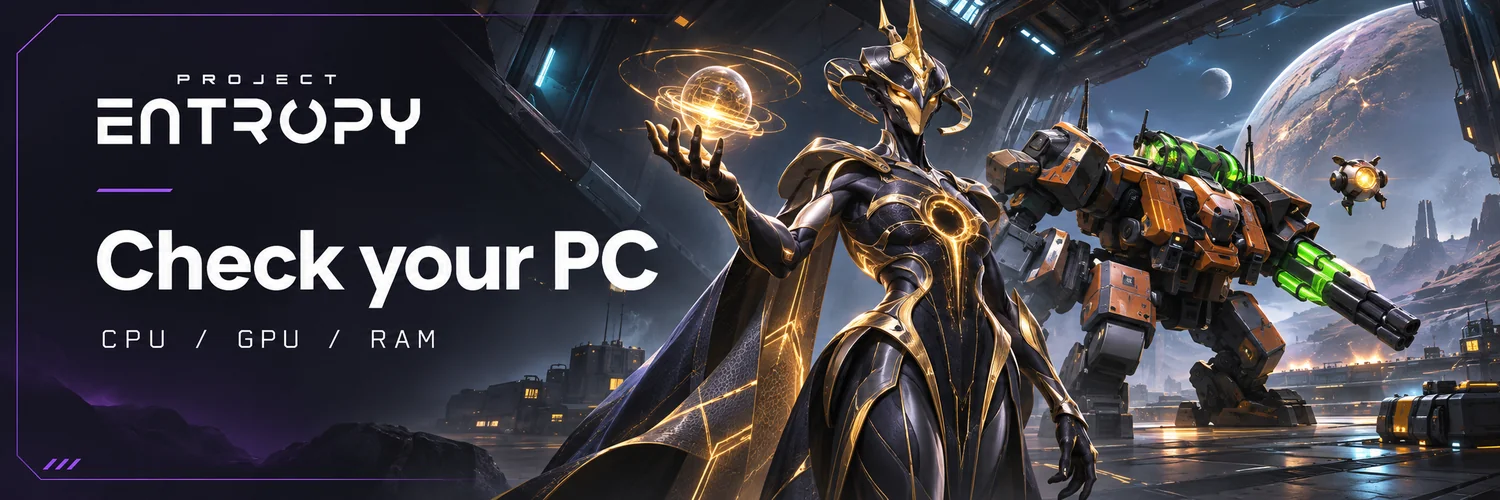
Select or paste your CPU and graphics model, then choose RAM. The listed models are reference points, not a complete hardware database. An unlisted model needs a manual comparison, and laptop variants are not treated as desktop equivalents.
Press Ctrl + Shift + Esc and open the Performance tab in Task Manager to find your parts. If Windows lists two graphics devices, choose the one you will use for the game. No scan or software download is needed to use this checker.
Type or paste a model. Include graphics memory when variants differ.
Minimum-reference check only. No numeric recommended tier is published. Unlisted or ambiguous models need manual comparison; no FPS or preset is promised.
Enable JavaScript to get an estimate, or compare your PC with the specs below.
With the minimum reference clear, explore how your first force comes together.
Read Project Entropy Beginner Guide: Early Strategy for New Commanders
Project Entropy PC requirements explained
| Component | Minimum / verified position | Recommended / next check |
|---|---|---|
| CPU | Core 2 Duo E6400 or Athlon x64 4000+ around 2.2 GHz | Not published |
| GPU | GeForce GTX 460 or listed Radeon HD 4400 or better | Not published |
| RAM | 4 GB | Not published |
| OS | Windows 7 SP1, 64-bit in game table; Steam client requires Windows 10+ | Not published |
| Graphics API | DirectX 10 | Not published |
| Free storage | 8 GB listed; confirm extra client resources | Not published |
| Connection | Broadband internet | Not published |
This is Project Entropy’s own Steam specification, not a requirement borrowed from another game with “Entropy” in its name. The Radeon model string is ambiguous and is not classified automatically. Other offered Windows clients may have different requirements. A minimum reference cannot establish a high-settings or recommended result.
Start with conservative graphics if you are near minimum. Assess map movement, menus and an active encounter rather than judging everything from a static base. Add visual detail gradually after those tasks feel responsive. Online connection conditions and graphics workload can affect different parts of a session; changing a preset does not solve every interruption.
Before installing, discover the decisions behind Project Entropy’s heroes and machines. Read Project Entropy Beginner Guide: Early Strategy for New Commanders
Choose the right client before your first deployment
Keep at least the listed 8 GB available, then check the installer’s full request for resources and temporary files. Leave extra room for patches. For the Steam route, use a supported current Windows system; its client requirement takes precedence over the legacy OS line in the game table.
Check the account sign-in before creating a fresh command. The Steam listing identifies a third-party account requirement, including Google or Facebook login. If you already play through another route, verify account and server compatibility instead of assuming every client shares progress automatically. Stay with the exact Project Entropy title and the region you intend to use.
Are recommended Project Entropy PC specs available?
The cited Steam listing does not publish a numeric recommended CPU, GPU or RAM set. The checker compares minimum references and does not invent a recommended tier.
Does an 8 GB storage listing mean an 8 GB final installation?
Not necessarily. The storefront gives an available-space requirement. Additional resources, extraction and updates can change the actual amount the installer needs.
Plan your next step through our coverage of upgrades, force building and the wider strategy loop. Read Project Entropy Beginner Guide: Early Strategy for New Commanders

What to read next about Project Entropy
Our coverage explains the hero, machine and alliance decisions behind the science-fiction strategy pitch. Use the beginner guide to understand early upgrades and force-building priorities, or read the review to decide whether the wider progression loop suits your next game.
Continue into Project Entropy coverage and find a clear purpose for your first deployment.
Read Project Entropy Beginner Guide: Early Strategy for New Commanders